Press
Press kit.
Everything needed to write about Duotop: a short description, pricing, the icon and pictures of the three iPhone Duo postures. Questions go to [email protected].
About Duotop
Duotop puts your Mac on an iPhone Duo, iPhone or iPad, on a display the Mac creates to fit that screen exactly. Stand a Duo half open and it becomes a tiny MacBook: the Mac above the fold, and a Mac keyboard, app keys and a trackpad below it. It is two apps, a free menu bar app for the Mac and an app for iPhone and iPad, that pair once with a six-digit code and encrypt everything between them end to end. There is no account. On the same Wi-Fi it is free; Duotop Pro adds use from any connection, up to 120 frames per second and unlimited Macs.
Facts
- Name: Duotop (one word, capital D). Also searched for as DuoTop.
- Platforms: iPhone Duo, iPhone and iPad with iOS 26 or iPadOS 26; Mac with macOS 26 or later.
- Availability: Duotop for Mac 1.2 is a direct download from duotop.app/mac. The iPhone and iPad app is on the App Store.
- Website: duotop.app. What changed: changelog.
- Contact: [email protected]
Pricing
- Free: one Mac on the same Wi-Fi at 60 frames per second, with every layout, the keyboard, trackpad, app keys, sound and clipboard. No time limit, no ads, no account.
- Pro: $3.99 a month, $24.99 a year with 7 days free, or $49.99 once. Adds your Mac from any connection, up to 120 frames per second and unlimited Macs. Bought inside the iPhone and iPad app through Apple; prices are in US dollars and may differ by country.
- Duotop for Mac is free.
Icon and pictures
You may use these to illustrate articles about Duotop. Select a picture to download it.

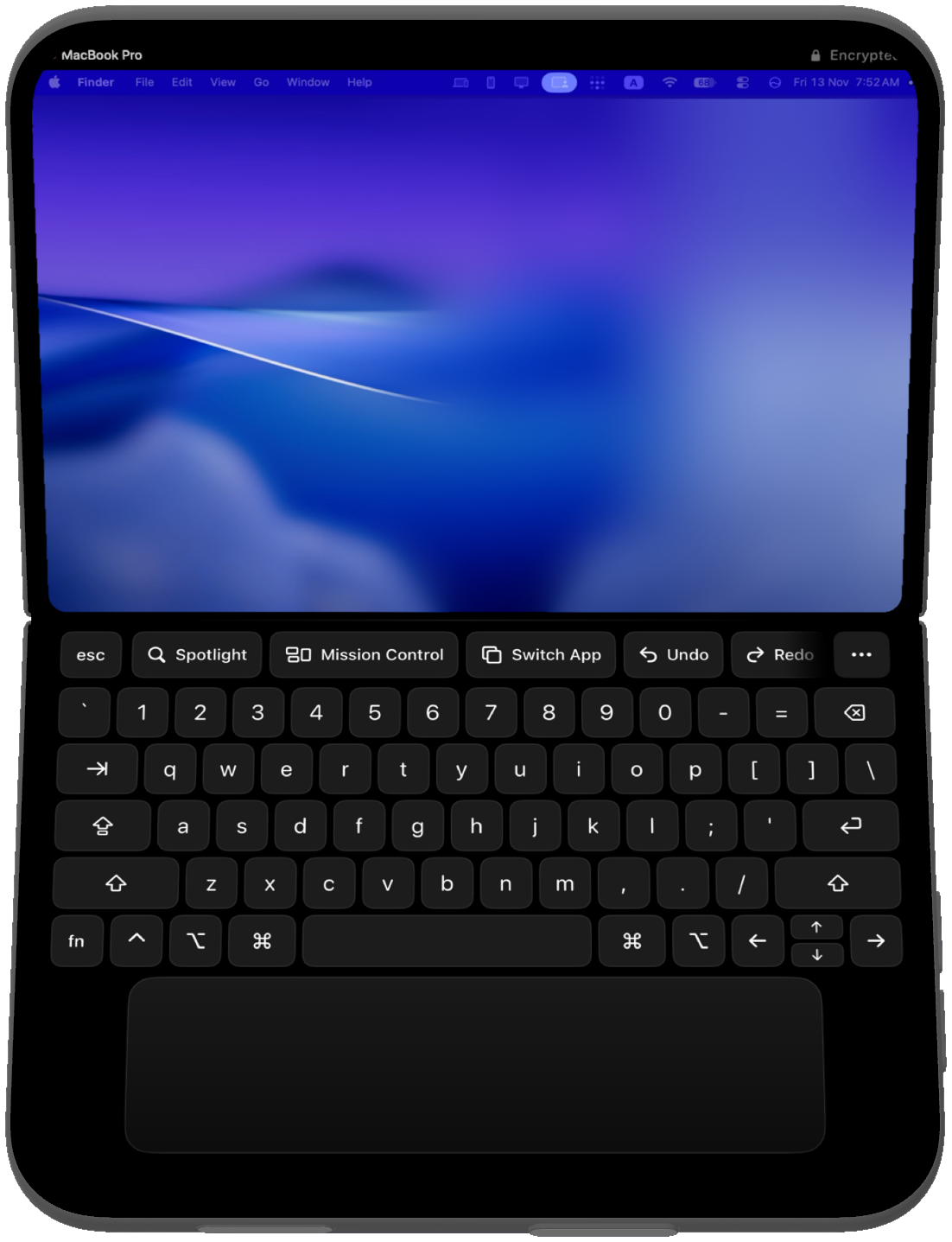
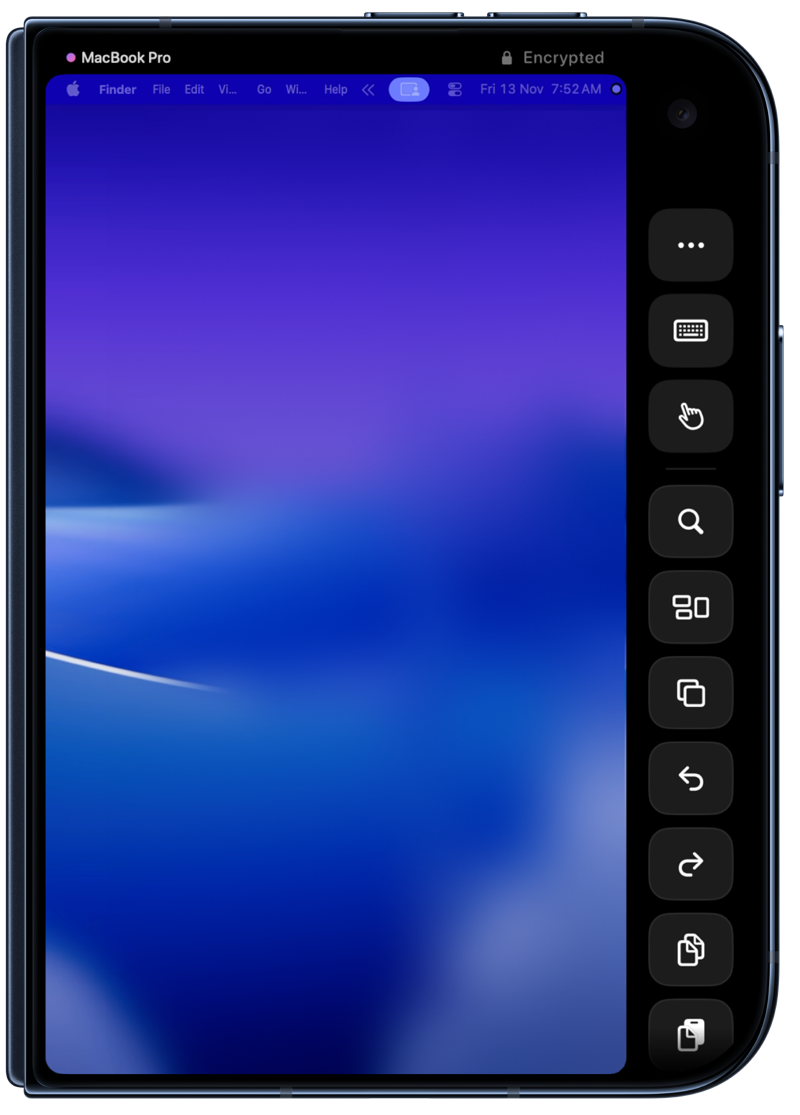
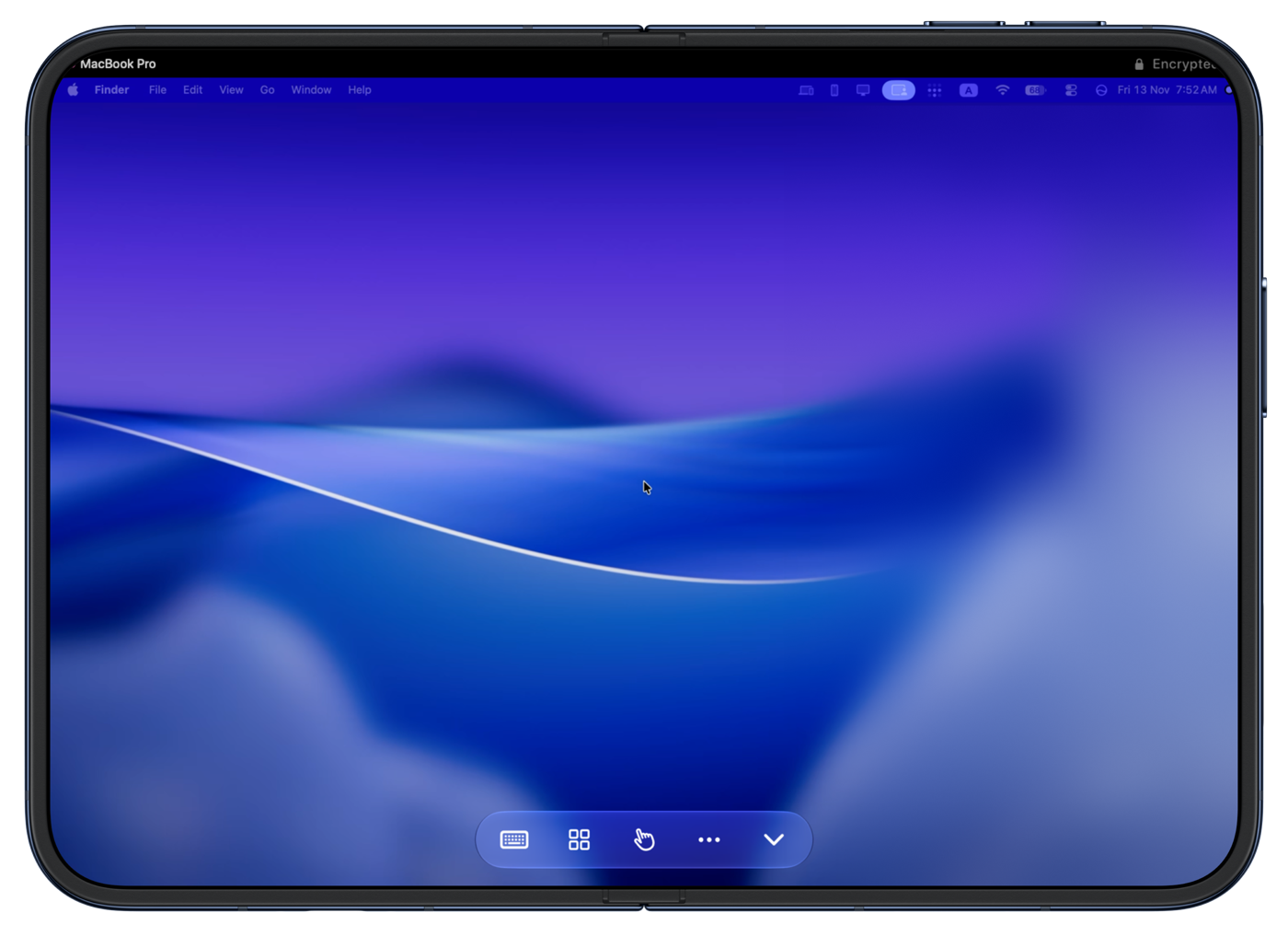
The closed and fully open pictures use Apple's iPhone Duo product bezels, and the half-open picture uses the device as drawn by Apple's developer tools, with real Duotop screens. Please show them as they are: do not alter, recolour or cut out the device. Duotop is an independent app and is not affiliated with Apple.